Edit
The Edit action allows buyers to update the title, description, and deadline on a request
1) Click on the lightning bolt dropdown
2) Select Edit
Archive
The Archive action will move the request to the Archived library for reference
1) Click on the lightning bolt dropdown
2) Select Archive
Once a request has been archived you can access the archived requests from the Archived section.
Export 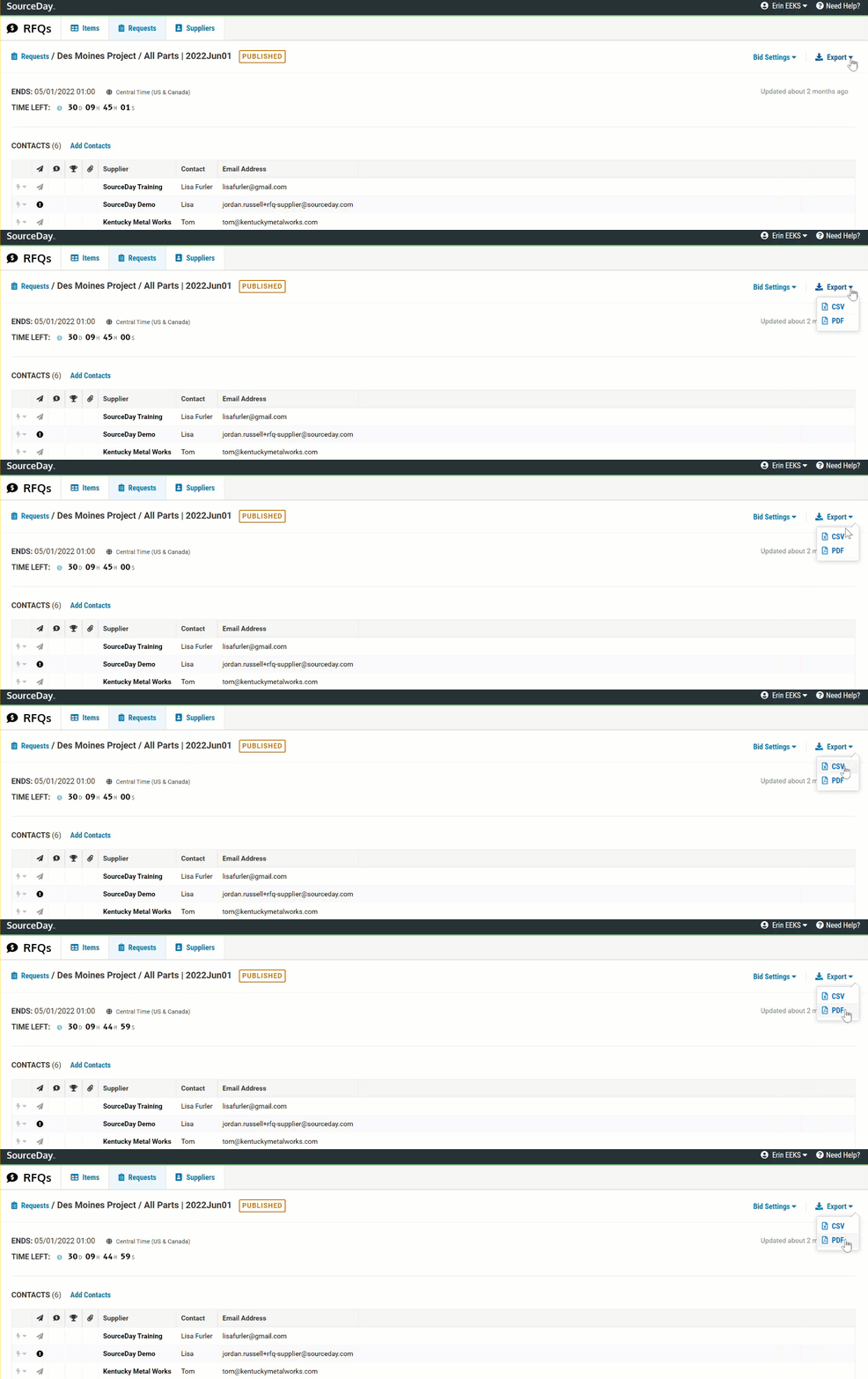
1) Click on the Export dropdown
2) Select CSV or PDF
3) The file will be loaded to your downloads folder in order for you to view the file.
Request Example