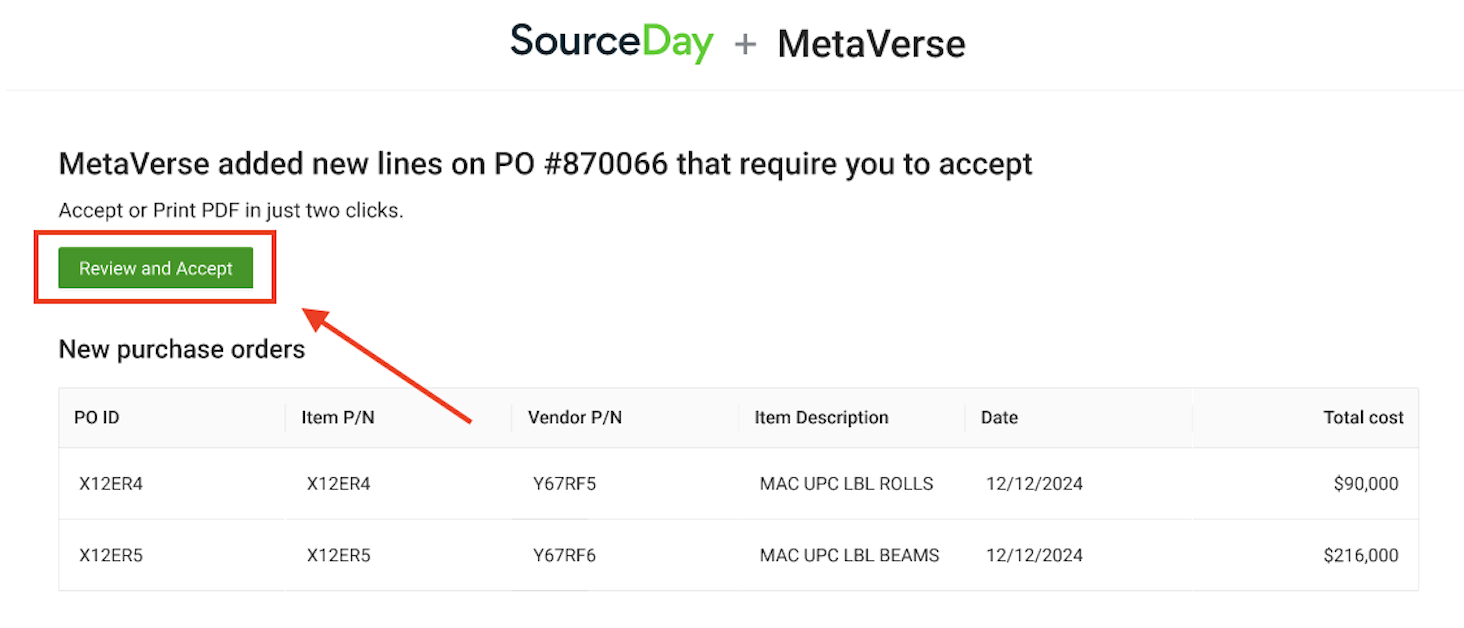
Step 1: Open the PO from Your Email
Look for a SourceDay notification email and click the “Review and Accept” link. This will take you straight to the PO window, no login required.
 Step 2: Take action on the PO
You’ll see a dynamic view of your PO where you can complete the following actions:
Accept new lines or changes to lines
Click on the lines you want to confirm.
Need to propose changes? Click into the date, quantity, or cost fields to propose edits.
When ready, click Accept or Submit.
Lines that are accepted with any changes will be confirmed with your buyer.
Proposed changes will be sent to your buyer to review.